Be kind, unwind.
Grandma turns the TV on, and the family is there.
Family memories get stuck on phones, where grandma can't reach them. GroupHug puts them on the TV, so the whole family can watch together with just a remote.
A Circle is your family on GroupHug: only the people you invite.
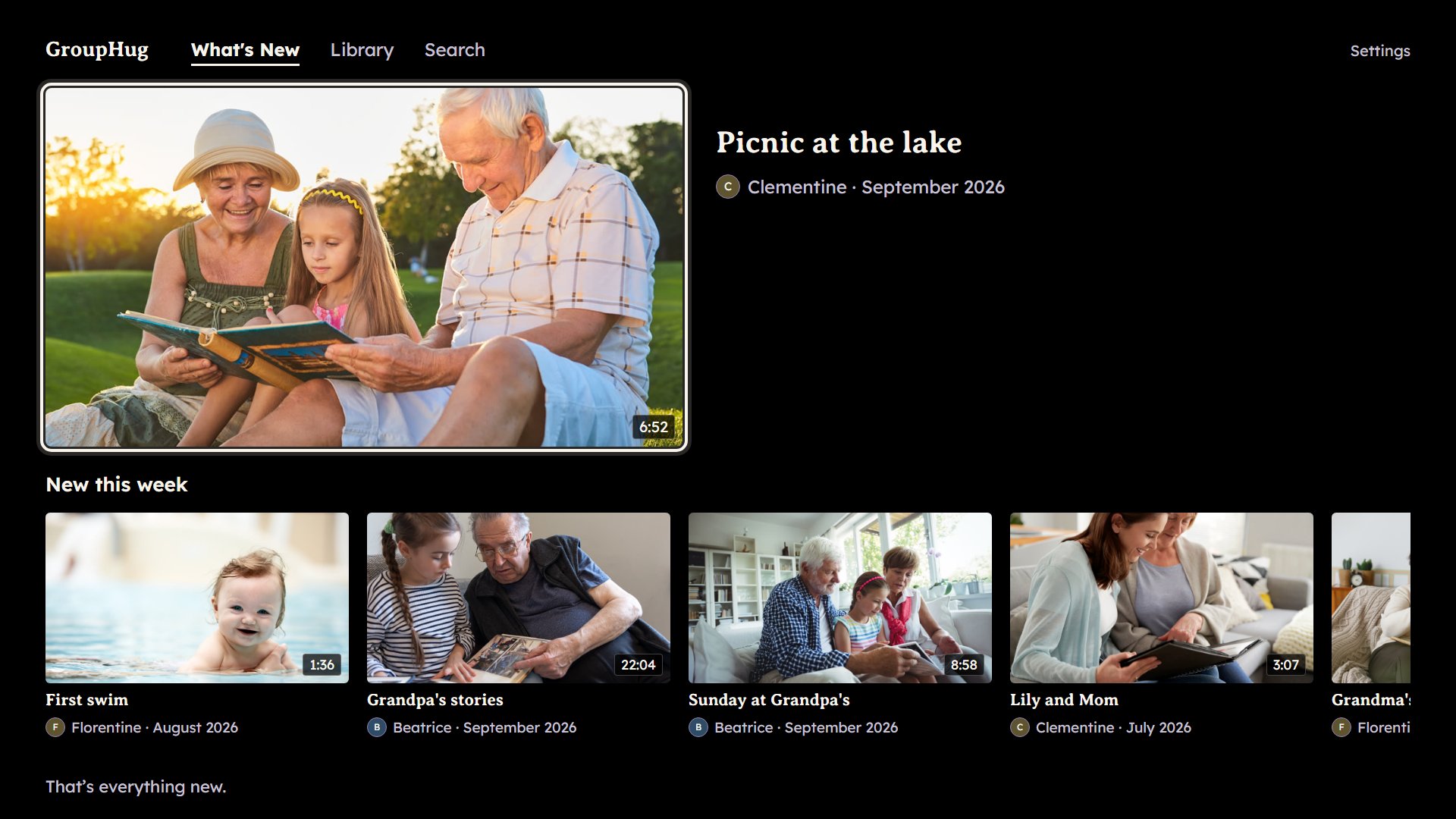
What grandma sees when she turns on the TV.
The birthday someone filmed. The first steps. The grandkids growing up a few seconds at a time, on a phone grandma can't open.
Made for the TV and the remote
Up, down, left, right and OK. Nothing to type on the TV, and nothing new to learn.
You help her set it up once. After that, she only turns the TV on.
Three steps, once
- 1
Start your Circle
Sign in on your phone, and share your videos and photos.
- 2
Put it on the TV
Add GroupHug to your TV. It shows four numbers. Type them at grouphug.tv/go on your phone.
- 3
Invite the family
Send each person their own link. They join your Circle, and what they share lands on the TV too.
Only your Circle
Only the people you invite
Nobody else sees what's here. No ads, no algorithm, no strangers.
Everything stays yours
Download every video and photo, any time.
Everyone joins free
Grandma, the cousins, the aunt three provinces away. Nobody in the family pays to watch.
Free to start
Free
Your favourites on the TV: 500 photos and 5 hours of video.
$99a year
5,000 photos and 50 hours of video on the TV.
$199a year
25,000 photos and 200 hours of video on the TV.
Everyone in the family joins free, on every plan.
See the plansSunday night, the family's week is on the TV, and grandma's caught up.
She saw the recital, the first steps, the birthday.